An example on how to use of markdown with its demo.
Universal Markdown Reference Guide
Use this guide as a direct structural comparison map. Each section displays the raw code syntax you need to enter, followed immediately by its exact rendered visual output.
Reference link
https://www.markdownguide.org/basic-syntax/
https://www.markdownguide.org/extended-syntax/
Raw code for heading
# Heading1
## Heading2
### Heading3
#### Heading4
##### Heading5
###### Heading6
Output:
Heading1
Heading2
Heading3
Heading4
Heading5
Heading6
For youtube link
<a href="https://www.youtube.com/watch?v=your_youtube_id" target="_blank" rel="noopener noreferrer">
    <img src="https://img.youtube.com/vi/your_youtube_id/0.jpg" alt="Best video to understand soil">
</a>

Example:

<a href="https://www.youtube.com/watch?v=BWmc64P-ZNw" target="_blank" rel="noopener noreferrer">
    <img src="https://img.youtube.com/vi/BWmc64P-ZNw/0.jpg" alt="Best video to understand soil">
</a>
A Different way to link youtube in my blog, but opens on the same tab.
**Now working**
[](https://www.youtube.com/watch?v=OVKO8pC1ACA)
**This works fine**

<a href="https://www.youtube.com/watch?v=OVKO8pC1ACA" target="_blank" rel="noopener noreferrer">
    <img src="https://img.youtube.com/vi/OVKO8pC1ACA/0.jpg" alt="youtube link: Padma Shri Bharat Bhushan Tyagi Multi Layer Farming Model">
</a>
output:
Raw code for table
| Syntax      | Description |
| ----------- | ----------- |
| Header      | Title        |
| Paragraph   | Text         |
Output:
| Syntax | Description |
|---|---|
| Header | Title |
| Paragraph | Text |
Raw with alignment
| Syntax      | Description | Test Text     |
| :---        |    :----:   |          ---: |
| Header      | Title       | Here's this   |
| Paragraph   | Text        | And more      |
Output:
| Syntax | Description | Test Text |
|---|---|---|
| Header | Title | Here's this |
| Paragraph | Text | And more |
Raw code for paragraph
I really like using Markdown.

I think I'll use it to format all of my documents from now on.
Output:
I really like using Markdown.
I think I'll use it to format all of my documents from now on.
Raw code for bold and so on.
I just love **bold text**.

I just love __bold text__.

Love**is**bold
Output:
I just love bold text.
I just love __bold text__.
Loveisbold
Raw code for italic
Italicized text is *really* cool.

Italicized text is _really_ cool.

A*word*italicized
Output:
Italicized text is really cool.
Italicized text is _really_ cool.
Aworditalicized
Raw code for bold and italic combined
This text is ***extremely important***.

This text is ___extremely important___.

This text is **_extremely important_**.
Output:
This text is extremely important.
This text is ___extremely important___.
This text is _extremely important_.
Raw code for strikethrough
~~The world is flat.~~

We need to fix ~~this legacy bug~~ immediately.
Output:
The world is flat.
We need to fix this legacy bug immediately.
Raw code for horizontal rule
Three or more of these elements on a line create a structural divider:

---

***

___
Output:
Three or more of these elements on a line create a structural divider:
Raw blockcode example
> Dorothy followed her through many of the beautiful rooms in her castle.
Output:
Dorothy followed her through many of the beautiful rooms in her castle.
Raw code for ordered list
1. First item
2. Second item
3. Third item
4. Fourth item
Output:
- First item
- Second item
- Third item
- Fourth item
Raw code for unordered list
- First item
- Second item
- Third item
- Fourth item
Output:
- First item
- Second item
- Third item
- Fourth item
Raw code
- First item
- Second item
- Third item
    - Indented item
    - Indented item
- Fourth item
Output:
- First item
- Second item
- Third item
- Indented item
- Indented item
- Fourth item
Raw code for task list
- [x] Write the press release
- [x] Update the website
- [ ] Contact the media
Output:
- Write the press release
- Update the website
- Contact the media
Raw code for hardware keyboard keys
To copy a block of selected text strings, press <kbd>Ctrl</kbd> + <kbd>C</kbd>.
Output:
To copy a block of selected text strings, press Ctrl + C.
Raw code for collapsible dropdown
<details>
<summary>Click to expand</summary>

This content is hidden by default and will be revealed when the user clicks on the summary.
</details>
Output:
Click to expand
This content is hidden by default and will be revealed when the user clicks on the summary.
Raw code for inline code execution
Use the `git status` command to review untracked modified changes.
Output:
Use the git status command to review untracked modified changes.
Raw code for code block syntax
def my_function():
    print("Hello World")
    return True
Output:
def my_function():
    print("Hello World")
    return True
Another example
{
  "firstName": "John",
  "lastName": "Smith",
  "age": 25
}
Raw footnote
Here's a simple footnote,[^1] and here's a longer one.[^bignote]

[^1]: This is the first footnote.

[^bignote]: Here's one with multiple paragraphs and code.

    Indent paragraphs to include them in the footnote.

    `{ my code }`

    Add as many paragraphs as you like.
Output:
Here's a simple footnote,1 and here's a longer one.2
Raw
First Term
: This is the definition of the first term.

Second Term
: This is one definition of the second term.
: This is another definition of the second term.
Output:
First Term : This is the definition of the first term.
Second Term : This is one definition of the second term. : This is another definition of the second term.
Raw strickthrough
~~The world is flat.~~ We now know that the world is round.
Output:
The world is flat. We now know that the world is round.
Raw emoji
Gone camping! :tent: Be back soon.

That is so funny! :joy:
Output:
Gone camping! :tent: Be back soon.
That is so funny! :joy:
Raw Highlight
I need to highlight these ==very important words==.
Output:
I need to highlight these ==very important words==.
Raw code:
* This is the first list item.
* Here's the second list item.

    > A blockquote would look great below the second list item.

* And here's the third list item.
Output:
- This is the first list item.
Here's the second list item.
A blockquote would look great below the second list item.
And here's the third list item.
Raw code for diagram mermaid
graph TD
    A[Christmas] -->|Get money| B(Go shopping)
    B --> C{Let me think}
    C -->|One| D[Laptop]
    C -->|Two| E[iPhone]
Output:
graph TD
    A[Christmas] -->|Get money| B(Go shopping)
    B --> C{Let me think}
    C -->|One| D[Laptop]
    C -->|Two| E[iPhone]
Raw code for hyperlink link
My favorite tool is [Markdown Guide](https://www.markdownguide.org).
Output:
My favorite tool is Markdown Guide.
Raw code for image embed
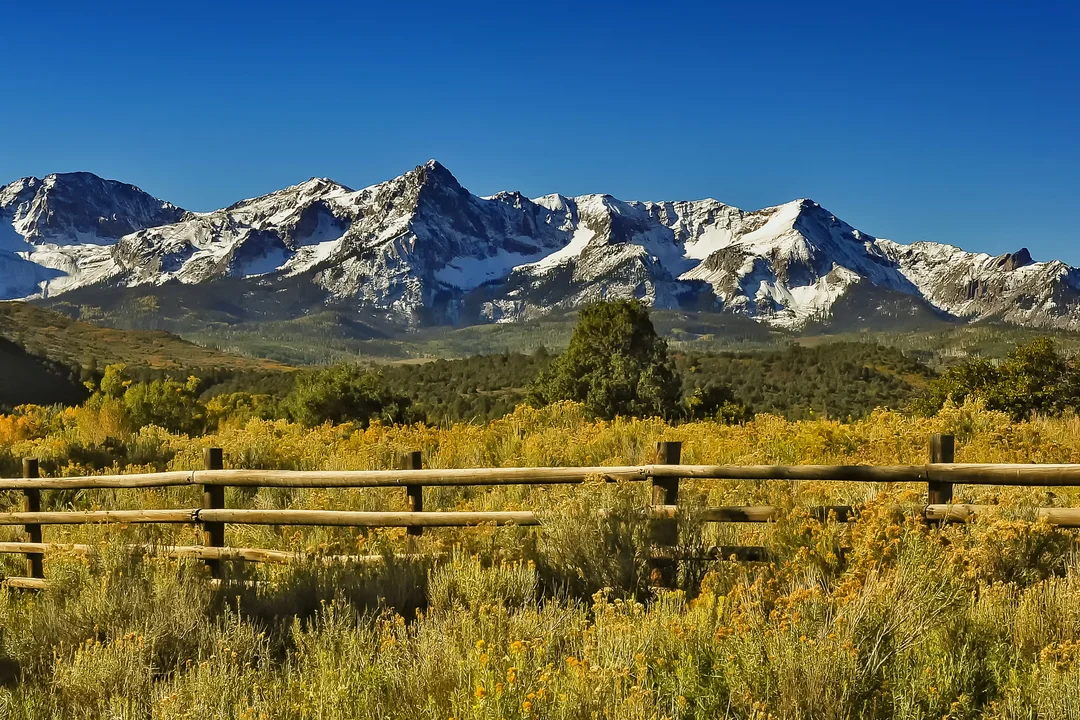
Output:

Raw code for image embed
1. Open the file containing the Linux mascot.
2. Marvel at its beauty.

3. Close the file.
- Open the file containing the Linux mascot.
Marvel at its beauty.

- Close the file.
My demo python code
print ("hi")